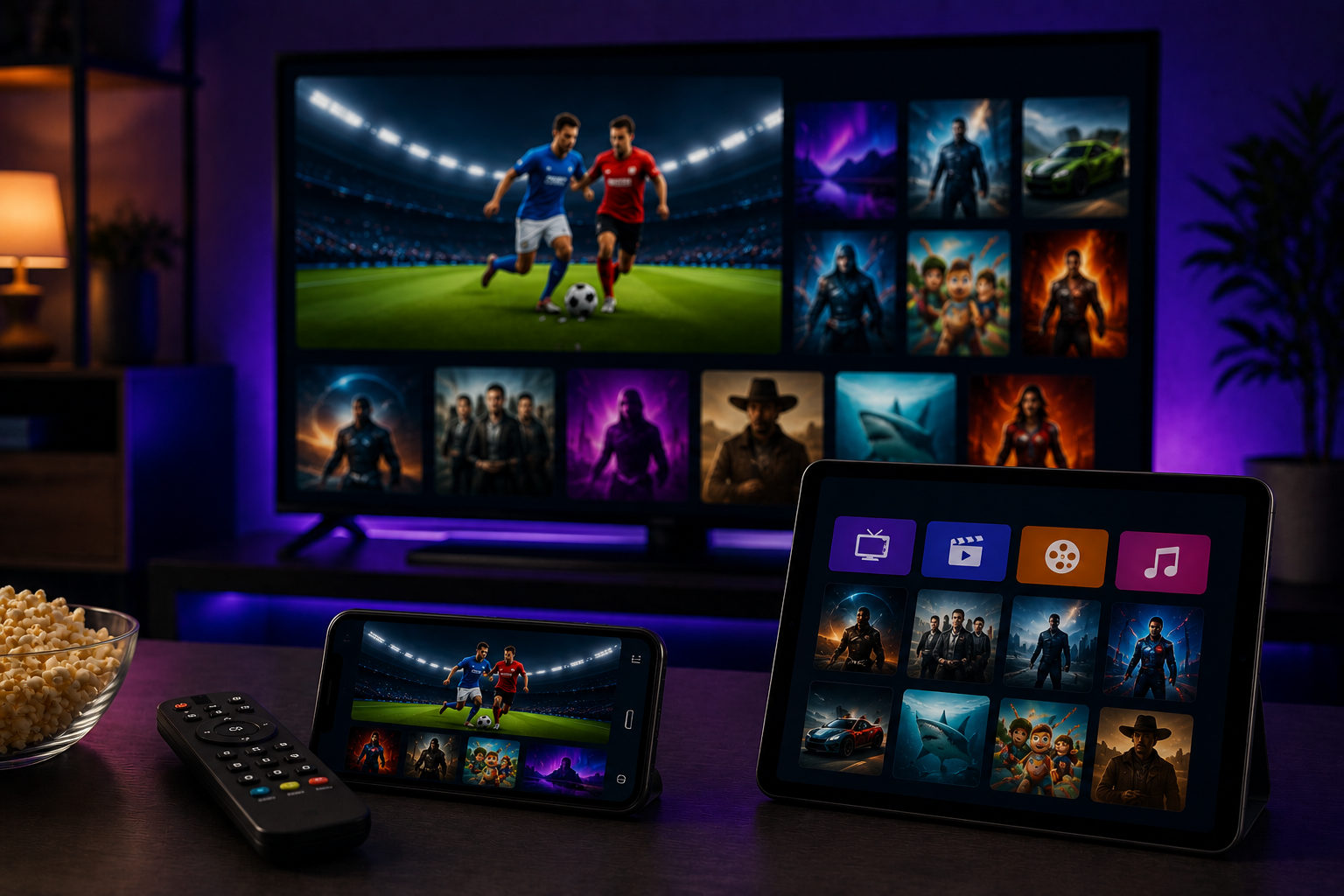
Streaming has become one of the most popular ways to enjoy movies, television shows, live sports, and documentaries. Whether you're watching on a Smart TV, laptop, tablet, or smartphone, the quality of your internet connection plays a major role in how smoothly content is delivered. While streaming platforms continue to improve their technology, your home network remains one of the biggest factors influencing playback quality.
Many people assume that buffering or poor video quality is always caused by the streaming service itself. In reality, internet speed, network stability, router placement, and the number of connected devices often have a much greater impact. Understanding how these factors work together can help you create a more reliable setup and enjoy uninterrupted entertainment.
Why Internet Speed Matters
Streaming video requires a continuous flow of data. If your internet connection cannot deliver information quickly enough, your device may pause playback while it loads more content. This is commonly experienced as buffering.
Higher video resolutions such as Full HD and 4K require more bandwidth than standard-definition content. As a result, slower internet connections may struggle to maintain consistent playback, especially during peak usage hours.
A stable connection is just as important as raw speed because sudden fluctuations can interrupt streaming even when average download speeds appear sufficient.
Bandwidth Is Shared Across Your Home
Your internet connection is shared by every connected device in your household. Smartphones, tablets, laptops, gaming consoles, smart home devices, and cloud backup services all consume bandwidth throughout the day.
If several people are streaming videos, attending video meetings, or downloading large files simultaneously, your available bandwidth for streaming may decrease.
Managing network activity during viewing sessions can help maintain smoother playback without requiring a faster internet package.
Router Placement Makes a Difference
Many streaming problems begin with weak Wi-Fi signals rather than slow internet service.
Walls, furniture, and other electronic devices can interfere with wireless coverage, reducing connection quality. Placing your router in a central, open location helps distribute a stronger signal throughout your home.
For devices that remain in one place, such as Smart TVs, using a wired Ethernet connection can often provide more consistent performance than Wi-Fi.
Optimizing Your Home Network
Improving network performance doesn't always require expensive upgrades.
Many households find that a better streaming experience comes from simple adjustments such as relocating the router, reducing unnecessary network traffic, updating networking equipment, and keeping streaming devices connected to a stable internet connection.
Small improvements like these can significantly reduce buffering and improve overall playback quality.
Keep Your Equipment Updated
Modern routers and streaming devices regularly receive software updates that improve performance, compatibility, and security.
Using outdated firmware may reduce efficiency or cause unexpected connectivity issues.
Checking for updates every few months helps ensure your equipment performs at its best.
Choose the Right Video Quality
Most streaming platforms allow users to adjust playback quality.
If your internet connection occasionally slows down, selecting a slightly lower resolution can provide a smoother viewing experience by reducing the amount of data required.
Finding the right balance between picture quality and stability often results in fewer interruptions.
Reduce Network Congestion
Background downloads, cloud synchronization, software updates, and online gaming can compete with streaming for available bandwidth.
Scheduling these activities outside your viewing time or pausing unnecessary downloads while streaming can noticeably improve performance.
Many modern routers also include traffic management features that help prioritize streaming devices.
Test Your Connection Regularly
Internet performance can change over time due to network conditions or service provider maintenance.
Running occasional speed tests helps identify potential problems before they begin affecting your entertainment.
If you consistently experience slow speeds despite paying for a high-speed connection, contacting your internet provider may help resolve underlying issues.
Conclusion
Internet speed plays a vital role in delivering a smooth and enjoyable streaming experience, but it's only one part of the equation. Router placement, network stability, connected devices, and equipment updates all contribute to overall performance.
By understanding how these factors affect streaming and making a few practical adjustments, you can reduce buffering, improve picture quality, and enjoy more reliable entertainment across all of your devices.




 Arabic
 French
 Spanish
 Portuguese
 Deutsch
 Turkish
 Dutch
Dutch
 Italiano
 Russian
 Romaian
 Portuguese (Brazil)
 Greek
Greek